How FamRoot Works
No one remembers the whole family. Everyone remembers their piece. FamRoot brings those pieces together, and gets more useful with every person who joins.
- 1Create your accountYour tree starts with you
- 2Start with your branchYour closest family, pets included
- 3Invite your familyEveryone adds their side
- 4Add the rest of your networkFriends, by closeness
- 5Use it every dayCallers, search, memories
- 6Preserve what mattersVault and future messages
- 7Owned by the familyPrivacy and moderation
A few minutes to start. A family to grow it.
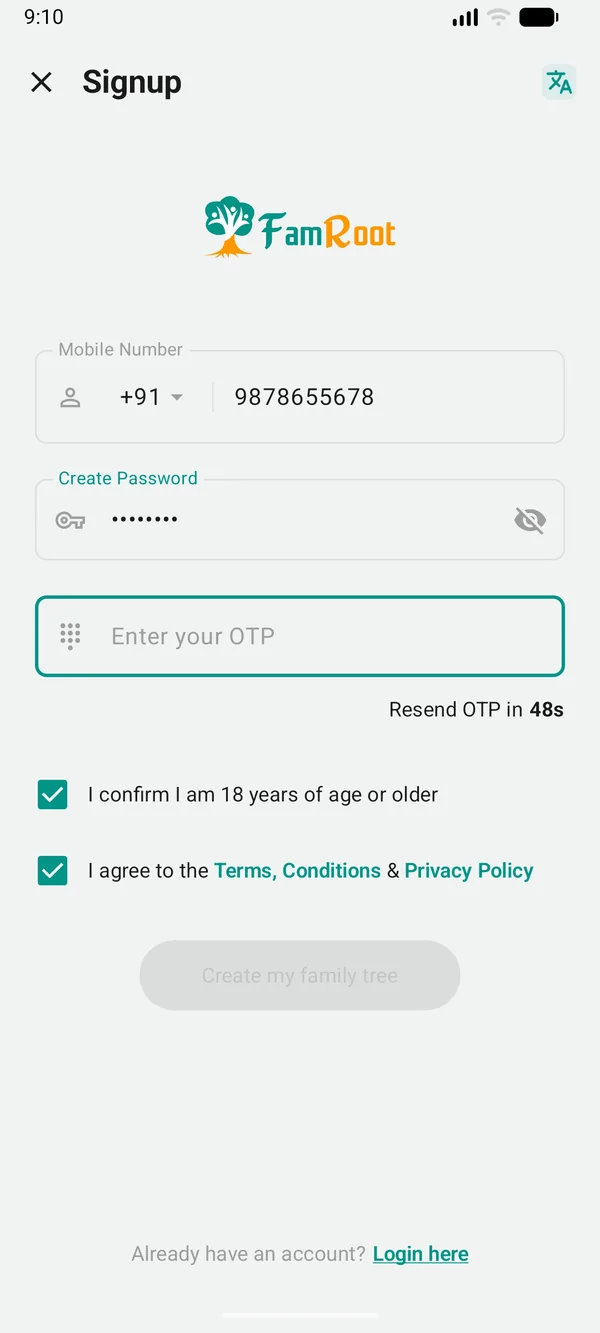
Create your account
Sign up for free. Once we approve your sign-up, you get an invite by email. Your tree starts with you.
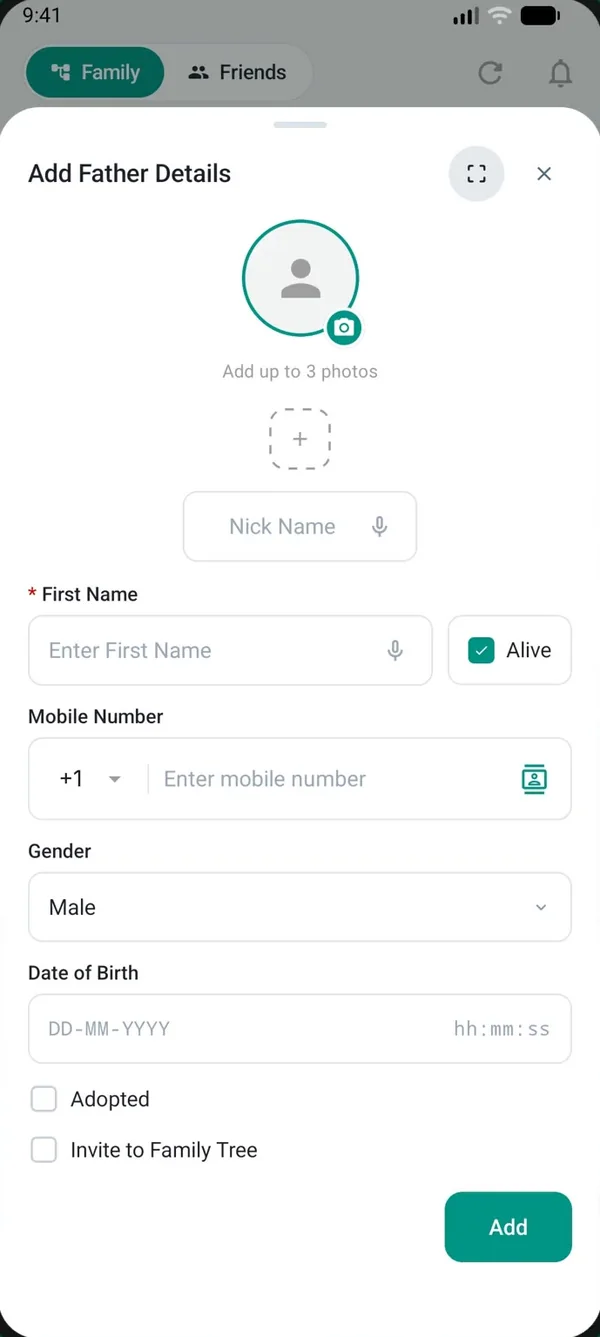
Start with your branch
Add your parents, siblings, spouse and children. You can add relatives before they have an account. Pets belong here too, as family members with a pet profile.
Invite your family
Invite relatives by SMS. Each one adds their own details and their side of the family, so the tree grows from every branch.
FamRoot is free to use. We review every sign-up and email you an invite to join, and your mobile number is verified by SMS.
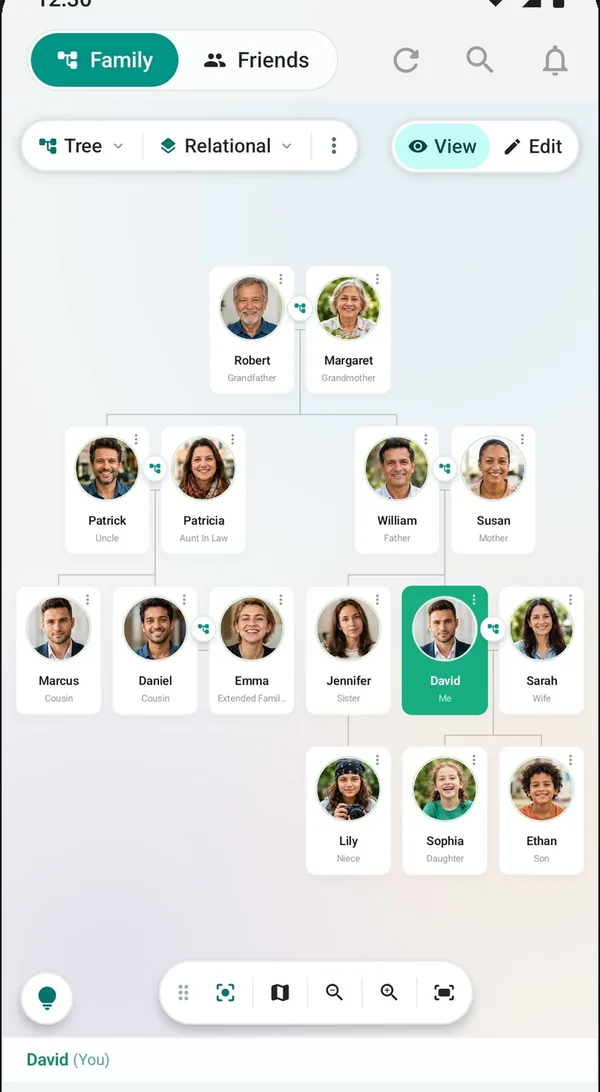
Everyone looks after their own corner.
In most family trees, one person does all the work, and the tree goes out of date the moment they stop. In FamRoot, each person maintains their own details. When your cousin changes her number or moves city, she updates it once, and everyone's view stays accurate.
- Multiple generations, including spouses, adoptions and multiple marriages, and pets with their own profile.
- Every member is a moderator. Existing members approve who joins next, so the tree stays in the family's hands, not one person's.
- Private by default. The tree is visible to the family members in it. There is no public link.
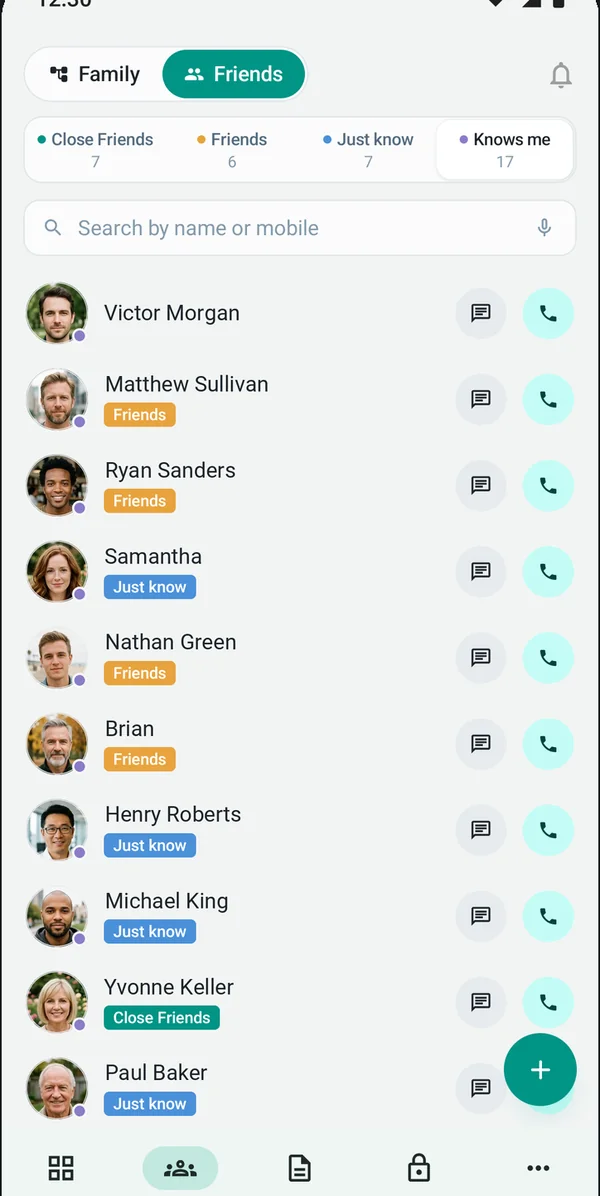
Add the people who aren't on the tree.
Your network is bigger than your family tree. Add close friends, friends and people you just know. When someone adds you to their network, they appear under Knows me. Friends see your profile, not your tree.
Connected relationships make useful things possible.
Once your network is in place, FamRoot puts it to work.
Know who's calling
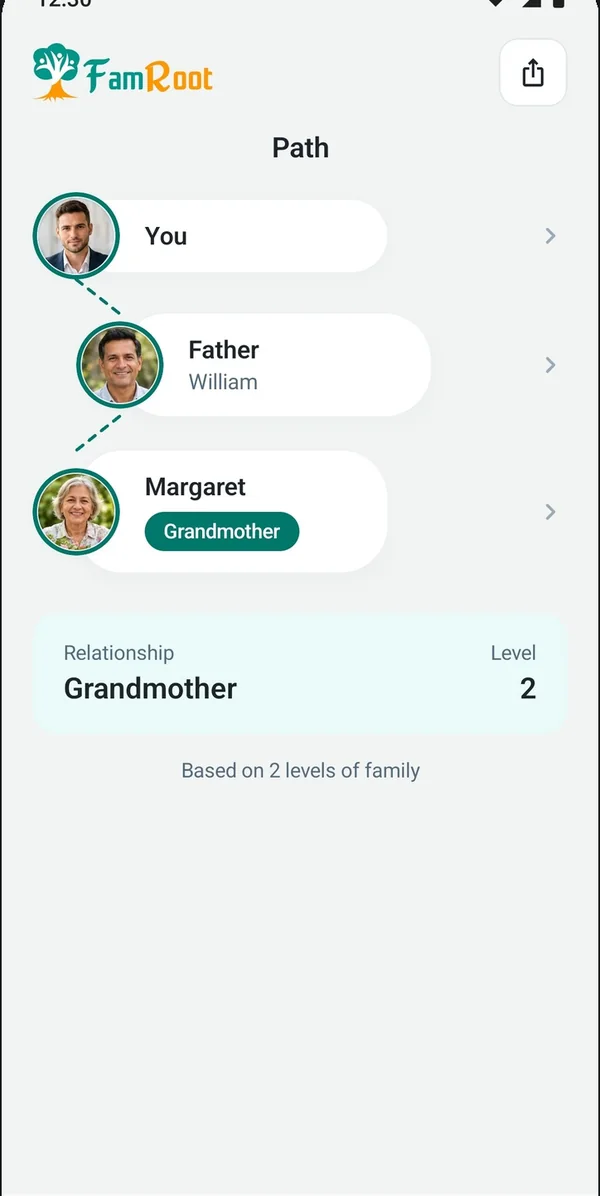
When a relative calls from a number you never saved, Caller ID shows who it is and how you're related.
Find the right person
Search your family by profession, place or relationship. The doctor in the family. The cousin in the city you're visiting.
Share moments
Photos tagged to the people who were there, notes in text, voice or video, and broadcasts to share family news.
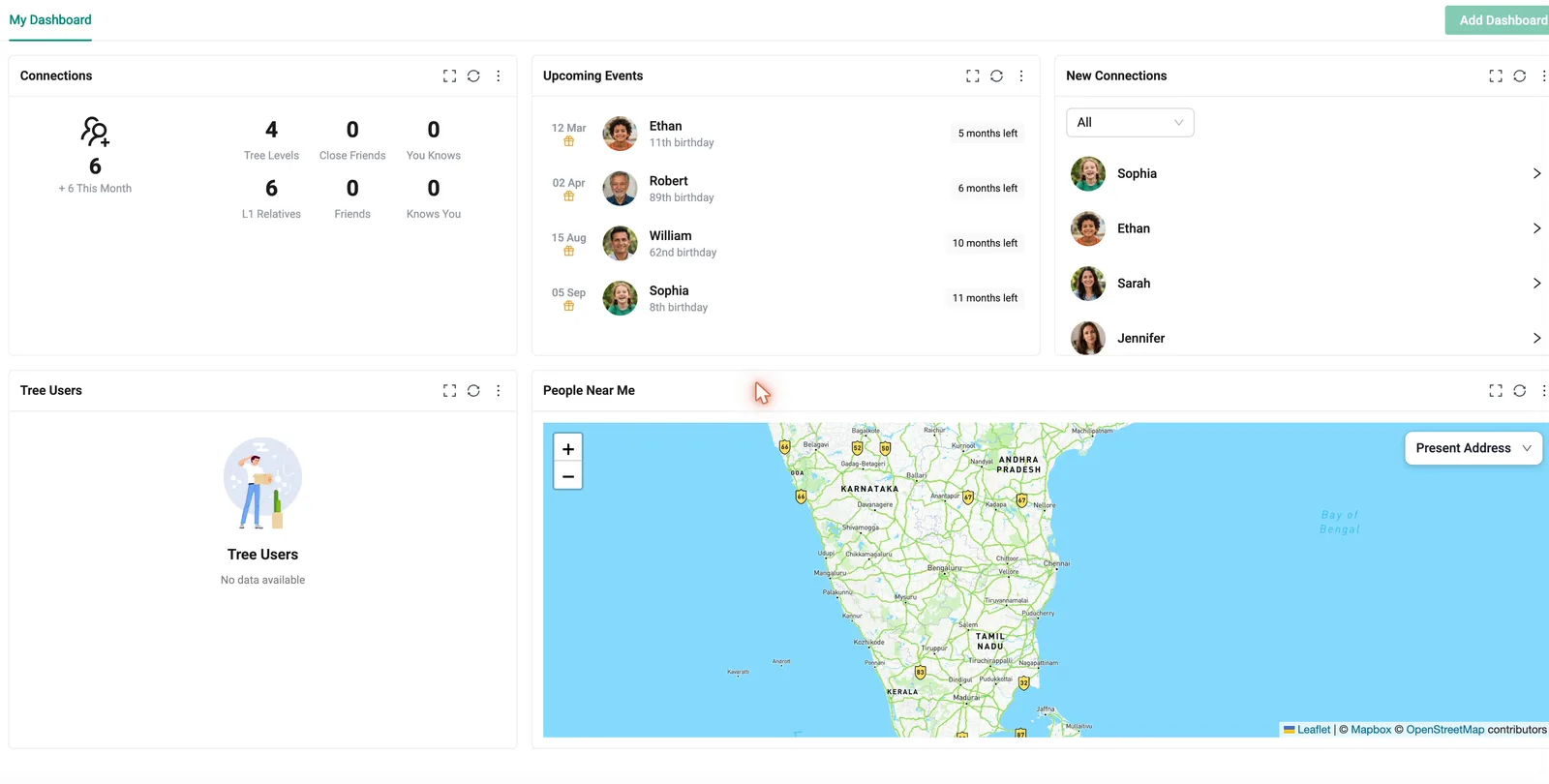
Keep it. Share it. Pass it on.
- Vault. Leave a last message for the people you love, released only after close family verify your passing. Storing documents and a private diary there is planned. Explore the Vault
- Future Messages. Write a text, voice note or video today and have it delivered on a birthday, a wedding day, or to a future generation.
"By the time you open this, you'll be all grown up…"
Your family, your network, in the family's hands.
You choose what you share
Notes, memories and details can stay private or go to specific people.
Owned by the family, not one person
Every member of the tree is a moderator. Existing members approve who joins next, so the tree stays in the family's hands, not one person's. There is no public link.
You can leave
You can ask us to delete your account at any time. Here's how.
Questions about getting started
Do my relatives need an account before I add them?
No. You can add a relative before they create an account. They'll need their own account to contribute to their side of the family.
Who maintains the family tree?
Everyone, for their own corner. Each person keeps their details current. Every member of the tree is a moderator: existing members approve who joins next, and a change to a relationship needs another member's approval, so the tree stays in the family's hands, not one person's.
Can I import a tree I already have?
Not yet. Importing a family tree file (GEDCOM) is in the pipeline. For now, you add people directly, and your relatives can add their own sides of the family.
More answers in the FAQ and Help & Learn.
Start building your family tree.
Begin with your branch today. Your family will help with the rest.
Get started